Where can I view and manage my bookings?
Open your Bookings page to see and manage all your bookings.
Use the tabs at the top:
- Future: accepted upcoming bookings.
- Pending: booking proposals that have not yet been accepted.
- Past: completed bookings. You can also open any canceled bookings from here.
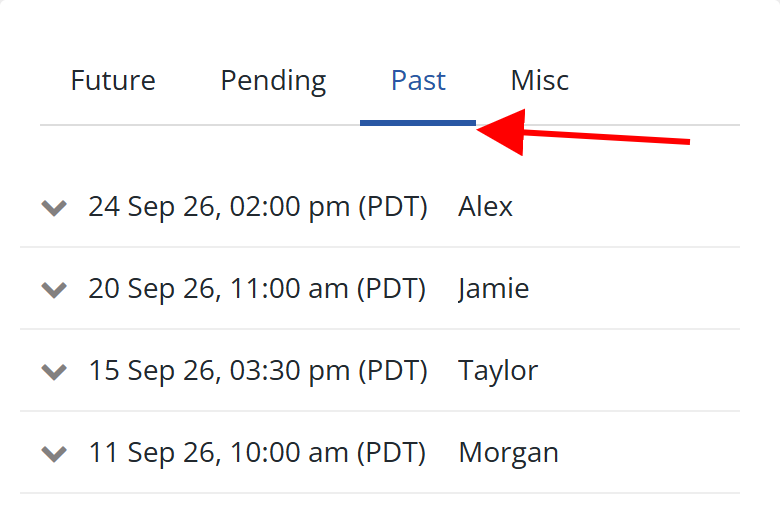
Select a booking to view its details.
Downloading your booking history
If you are a Professional Cuddler with paid booking records, open the Past tab and select Download as CSV. You will get a spreadsheet-friendly file of your booking activity to keep for your own reference.