How do I change a confirmed booking?
Plans can change after a booking has been confirmed. Either participant, the Professional Cuddler or the client, can edit the booking as long as the scheduled start is at least 12 hours away.
- Open your conversation with the other member.
- Select Edit Booking in the green confirmed-booking panel above the conversation.
- Update the date, start time, or duration. If you are the Professional Cuddler, you can also update the Price. Clients cannot set a custom price.
- Submit the changes.
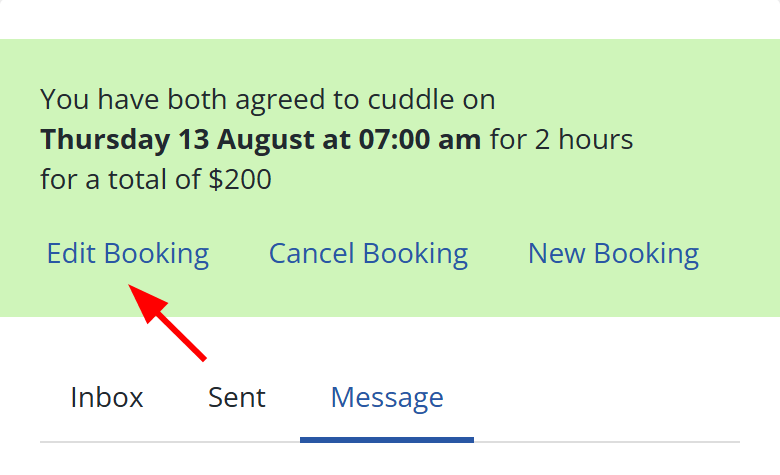
The booking will return to a pending proposal, and the other person must accept the revised details before it is confirmed again.
Once the booking is less than 12 hours away, Edit Booking is no longer available.
If the session simply runs longer than planned, see What if the session goes on longer than planned?.